Hello, welcome and thank you for visiting www.greyhoundpredictor.com.
I have been going dog racing in London and the South East for over 50 years and enjoy following the Open Race scene held in Great Britain & Ireland. I'm a keen collector of greyhound memorabilia, mainly old race programmes! and have in the past attended race meetings in America and Australia.
In this article, I explain how to predict dog races by downloading Greyhound Predictor v2.0 Software. However, unlike other prediction video games? The Predictor takes into account the most significant dog racing formlines and statistics and offers the chance to scientifically predict your own winners!
Please feel free to contact me if you have any questions?
Greyhound Racing in the 21st Century allows you to place bets online, combine this with Premier Greyhound Racing live race streaming, SIS Racing TV and the ever increasingly popular greyhound websites; never before have we experienced such a revolution in greyhound information and technology!
Although, I firstly recommend you acquire a good 'sporting newspaper' like the RACING POST with full in-depth coverage of all today's meetings.
Greyhound Predictor version 2.0 lets you predict races over 3 standard middle-distances: 515 metres = (563 yards), 500m = (547y), 480m = (525y). After studying the formlines in your newspaper or via the internet, please choose a race you wish to predict!
If you haven't yet downloaded and installed Greyhound Predictor v2.0 onto your computer then please click here to download a free trial.
Please note: The full registered version will not display the dialogue boxes or be limited to only one race per start up.
Now double click the Crystal Ball icon on your desktop. Click I Agree and Press Spacebar to move through the information screens.
Once the Main Menu has loaded you can select Predictor, Betting Lounge, Gallery, Information or the Option Menu by using the Up / Down cursor keys. If you have any difficulties viewing our Greyhound Racing Software, please see support page for further information.
By selecting the Option Menu you can alter the number of runners and change 'distances' into metres or yards, or 'weights' into kilos or pounds!
Alternatively, find the Configuration Utility on your computer (Start - Programs - Greyhound Predictor v2.0 Configuration) to preset your own 'race settings' as the default mode of your choice. Each time you start-up GP v2.0 a maximum of six or eight dog races will only then be saved for you!
Greyhound Predictor v2.0 runs in Full Screen Mode! You may therefore require two monitors or a mobile phone when entering form via the internet.
Now are you ready to start predicting races?
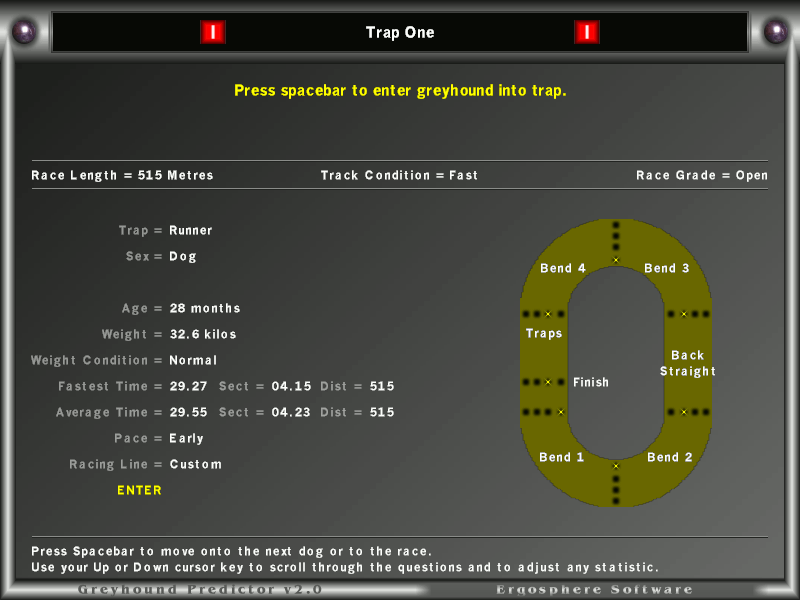
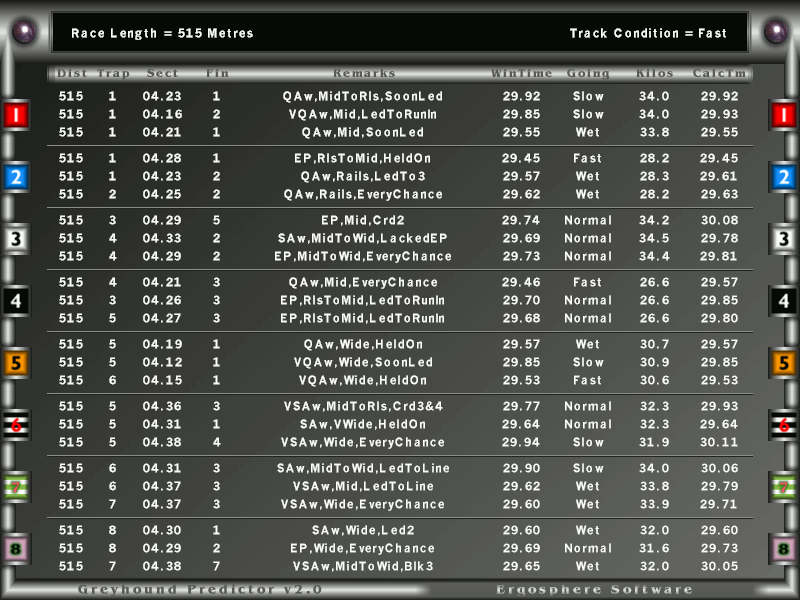
Now select Predictor to navigate throughout simply highlight your answers by using the Left / Right Cursor Keys and Press the SPACEBAR to continue. You will be asked ten racing-form questions for each runner, starting with Trap 1, although, the first three questions only apply to individual race set-ups.
Please read on.
Next Page: Race Grade